Product description
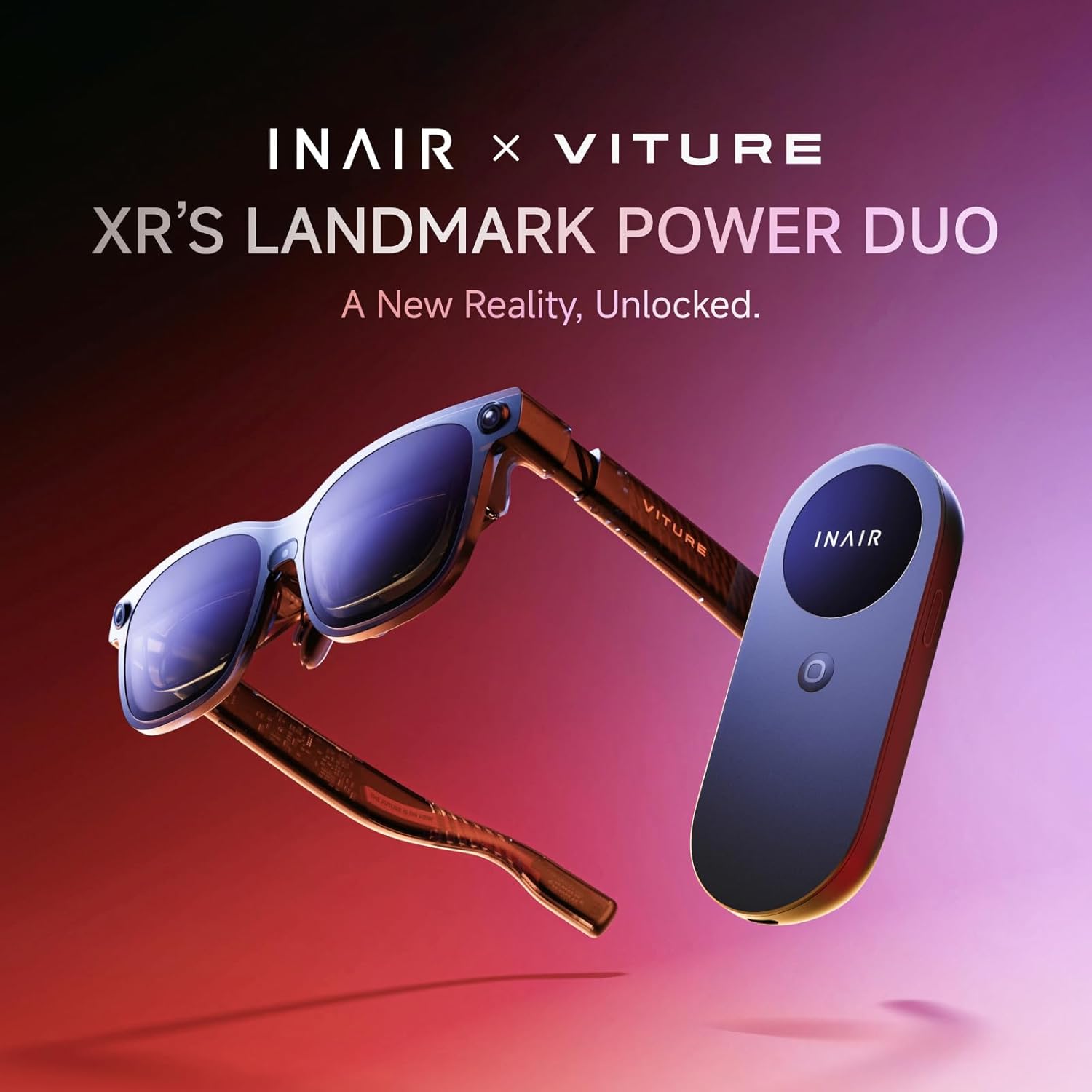
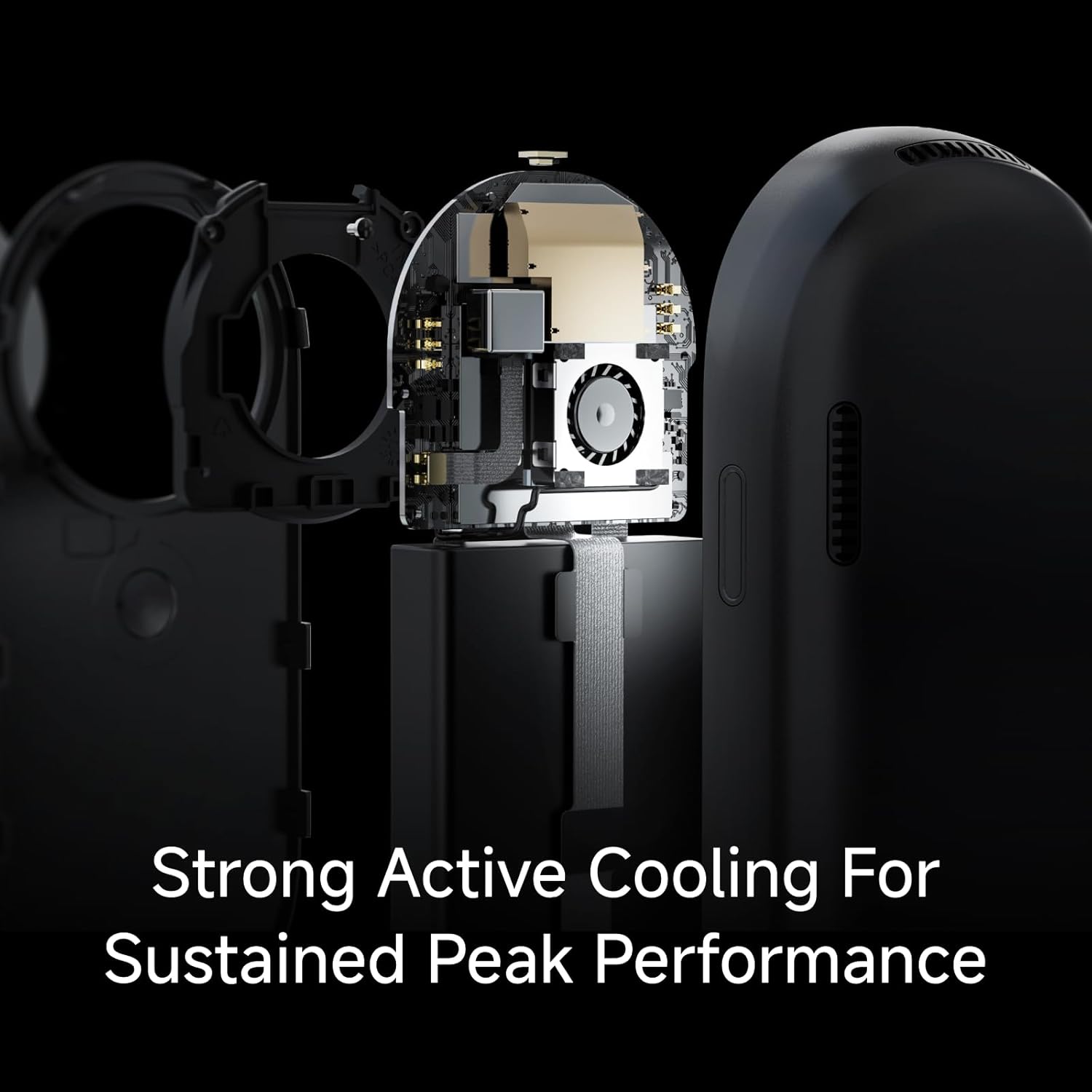
INAIR Pod Fan Version


Is the INAlR Pod the INAIR Al Spatial Computer?
No. The INAlR Pod (main unit + mouse) requires INAlR 2 Pro. Combined, they deliver most INAlR Spatial computer functions except keyboard interaction.
Can l watch 3D movies with this device?
Absolutely. You can access YouTube or other apps via AR glasses linked to the Pod to watch 3D movies. Alternatively, find 2D movies/images and convert them to 3D using the 2D-to-3D feature.
I have nearsightedness. Can I use INAIR's AR glasses and Pod?
Yes, absolutely. For prescription glasses wearers, INAIR AR glasses support custom optical inserts (contact INAIR After-Sales for personalized service) . The Pod operates independently, so myopia won't affect its functionality.
Besides functioning as the main unit and mouse for AR glasses, what other capabilities does the INAIR Pod offer?
The INAIR Pod can also connect to external displays with Type-C ports (e.g., LCD TVs), similarly enabling screen control functionality.
Is the connection between the INAIR Pod and INAIR 2 Pro AR glasses wireless?
Wired, not wireless. Standard Type-C cables are insufficient for image/video transmission needs. Connection requires INAIR's custom-engineered cable—included with INAIR 2 Pro packaging. If lost, contact INAIR After-Sales to purchase a replacement.