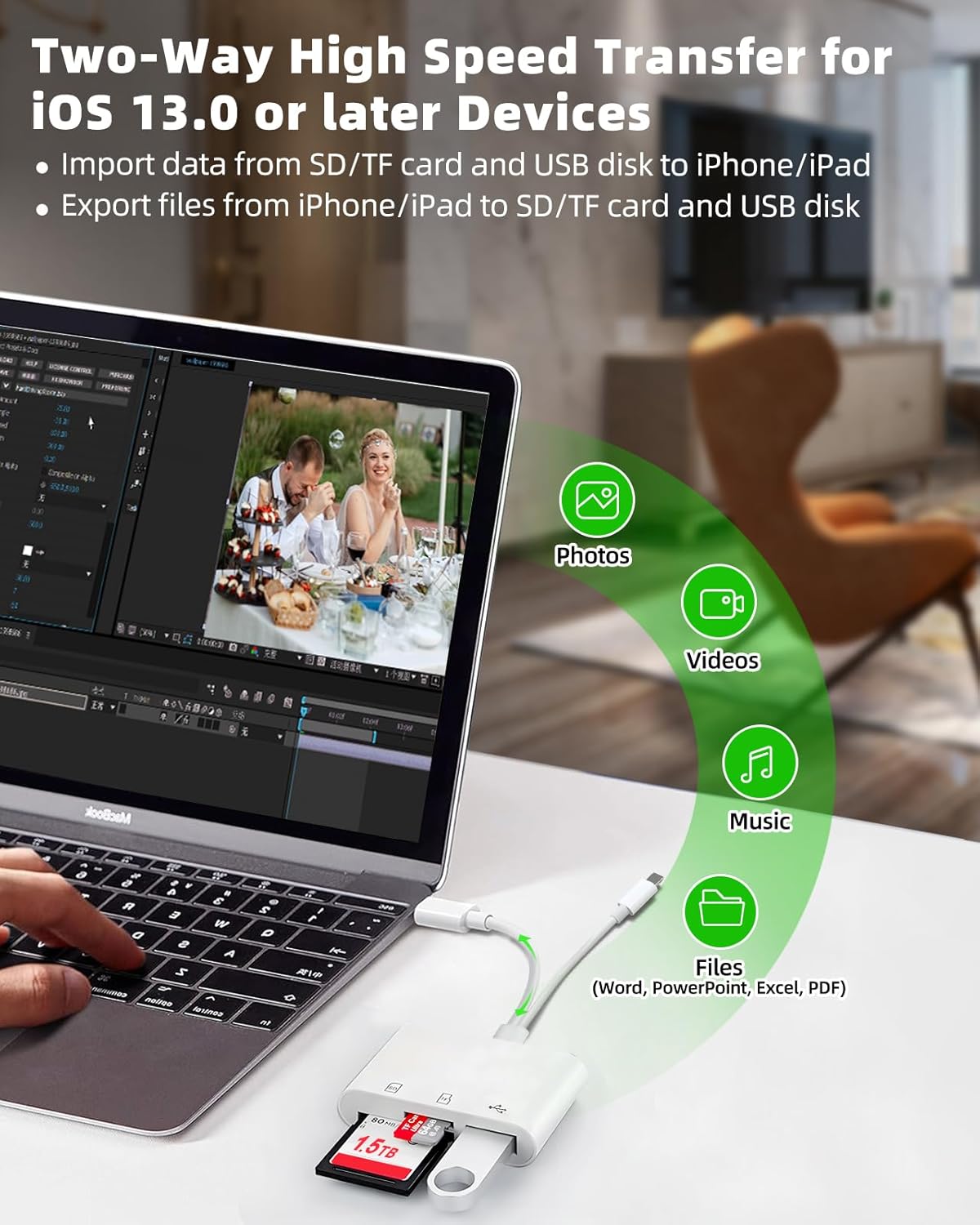
This iOS built-in "Files" app is a key tool for iOS to access external memory cards. On your iPhone or iPad, you can access ,organize and edit your files of external memory card in the iOS built-in Files app.
Warm tips:
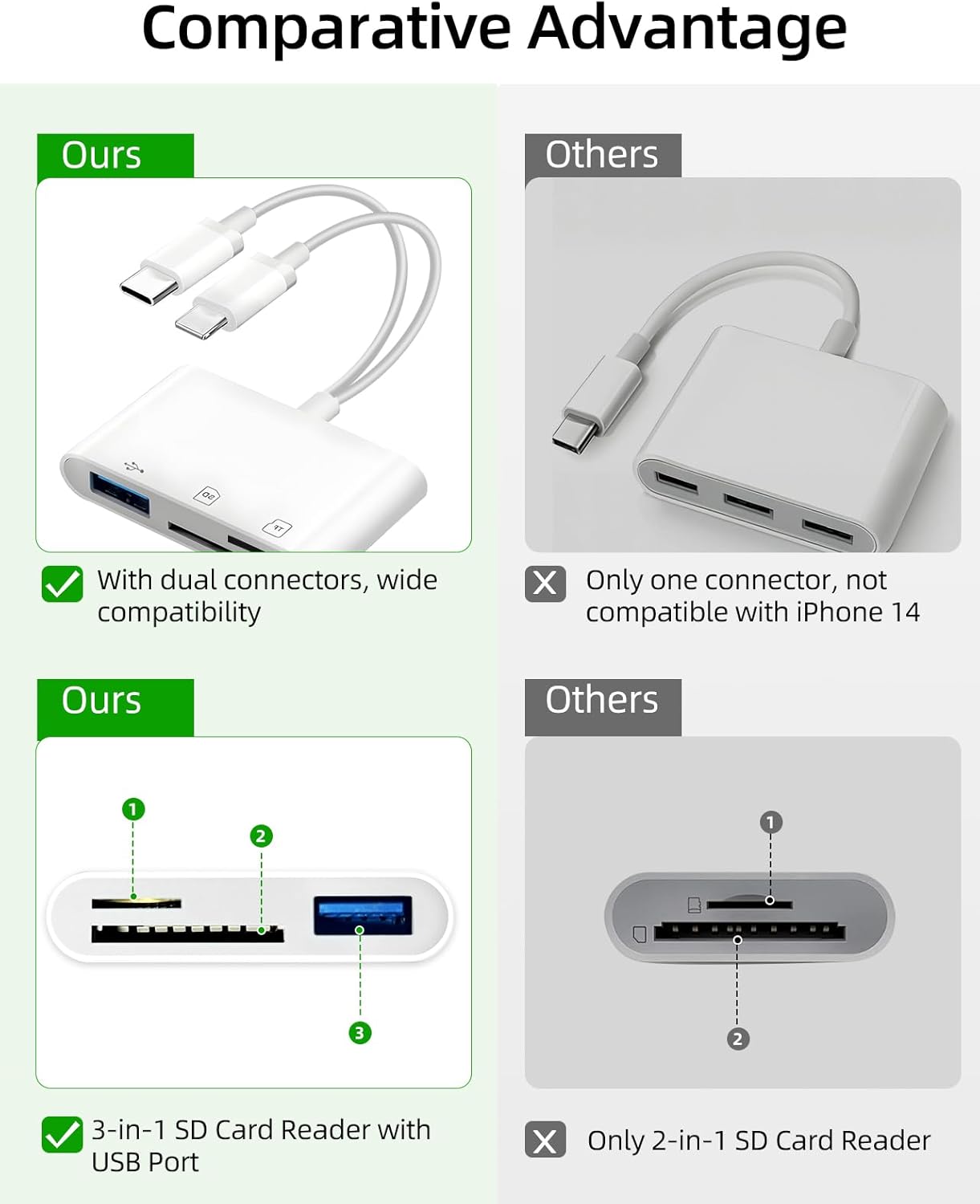
Supports standard size SD SDHC and SDXC cards, as well as newer microSD, microSDHC and microSDXC cards.
Supports standard USB OTG devices, compatible with a variety of digital cameras, trail cameras, game controllers, USB headphones, electric guitars, flash drives, keyboards, mice, hard drives and more.
Warm Tips: The MicroSD and SD card slot can not be used at the same time, but the SD or TF card and USB flash drive can be recognized simultaneously
Supports iPhone 5 to 14 series (IOS 13.0 or later)
Support for iPhone 15 16 series, iPad or Macbook and others with USB-C connector
Support for Android phones/tablets/laptops/pcs with USB-C ports
Support storage accessories for digital photography equipment such as Canon/Nikon/Sony/Samsung/Kodak
This iOS built-in "Files" app is a key tool for iOS to access external memory cards. On your iPhone or iPad, you can access ,organize and edit your files of external memory card in the iOS built-in Files app.
Inserted the SD card from the camera into the sd card reader and plugged the sd card reader into your iPhone
There's no automatic pop-up window, you need to manually pulled up the “Files” app, click the browse, go to the NONAME (or “Untiled”, which is the name of the memory card) drive to be able to upload any picture to your iPhone.
You can copy move edit or even delete any files on the memory card just like operating on computer, and of course you can copy photos from memory card to iphone, or download photos videos from iPhone to memory card.
Please enabled your OTG function on your USB-C Android devices before plugging in


Product description